
Hi and welcome to my C64 boot screen site. I've built this little tool for owners of the Commodore 64 Ultimate and other FPGA/emulation based C64s. It lets you boot to a fresh, modern boot screen every time you turn on your Commodore 64! Check out my designs below.
NOTE: On a C64 Ultimate you can use the "configuration files" feature to easily switch between setups using different kernal ROMs, so you can have various boot screens set up depending on your mood :)
How does it work?
I can't distribute the C64 ROMs directly due to licensing issues. So this tool lets you upload a Commodore 64 "kernal" rom file (search Google for "kernal.901227-03.bin"), patch it with one of my boot screen designs and then let you download your updated ROM file. More info in the FAQ.
NOTE: To complete the modern look, also replace your "chargen" ROM file with the excellent PXLfont
file
(it's free!).
Download the .bin chargen/font file from
here
and use it to update your chargen ROM settings also (much the same as updating the kernal). See FAQ
for
more
info.
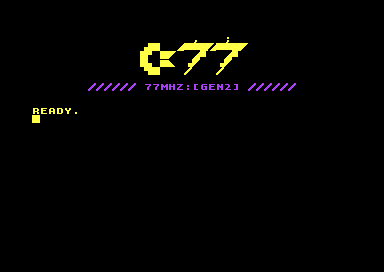
Step into the retro-future every time you jack in. Usable on any C64, not only the C77.
NOTE: this is an extended design (see FAQ)
A jazzed up version of the standard screen, with a colour strip that matches the badge on your C64 Ultimate.
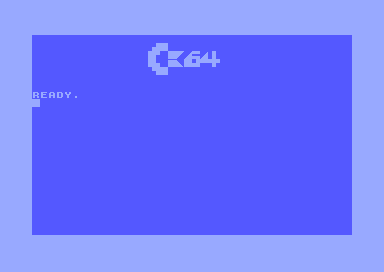
C64 logo with classic colours. It's free so you can try this service out.
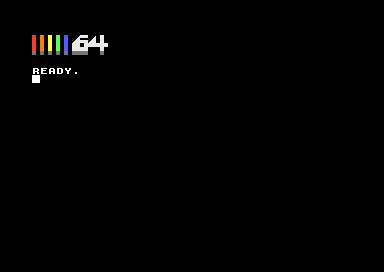
Slick C64 colour strip on black background with subtle 3D effect.
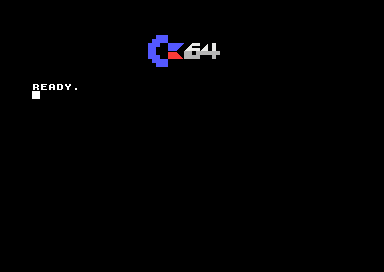
A clean and pure C64 logo every time you turn on your machine.
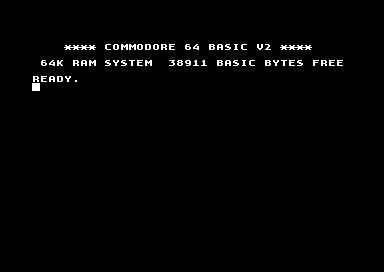
Standard C64 boot screen in dark mode
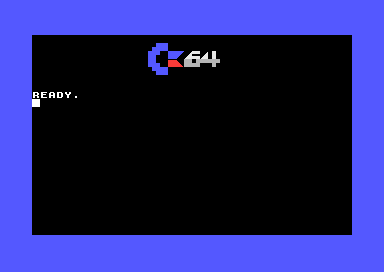
A clean and pure C64 logo for those that are more "edgy".
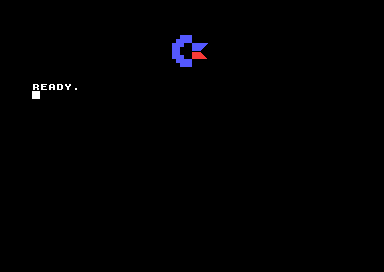
As minimal as it gets. A clean and pure Commodore logo. Show your love for the chicken lips!
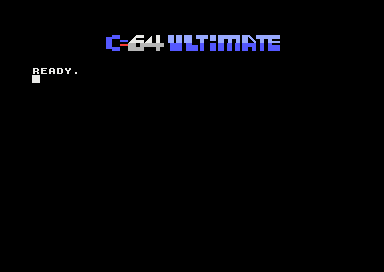
A not so subtle reminder that you're running the Ultimate version of the C64.
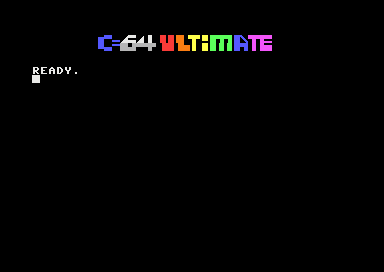
It doesn't flash, but it's real colourful!
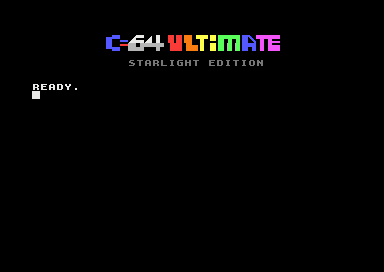
Like the previous one but with an extra line of text.
NOTE: this is an extended design (see FAQ)
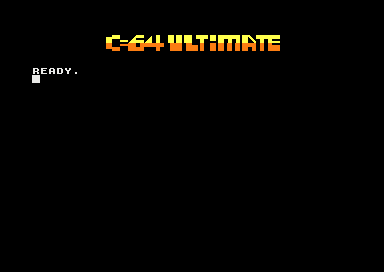
Show some bling!
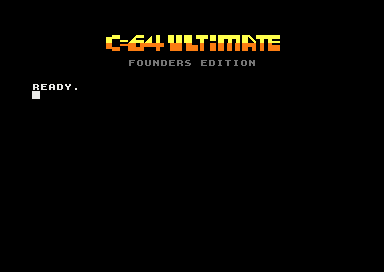
Like the previous one but with an extra line of text.
NOTE: this is an extended design (see FAQ)
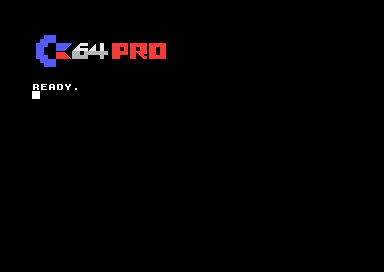
Is a C64 "Pro" better than a C64 "Ultimate"? I'll let you decide. Also the name of this website :)
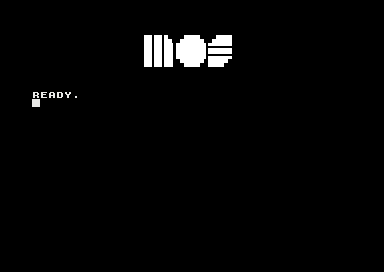
For hardcore nerds only! If you know you know...
NOTE: this is an extended design (see FAQ)
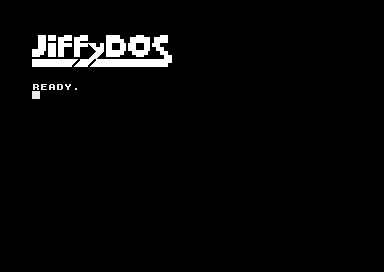
This doesn't add JiffyDOS functionality to your Kernal (go to jiffydos.com for that) it's just another design. You can
of course add it to your JiffyDOS kernal though :)
NOTE: this is an extended design (see FAQ)
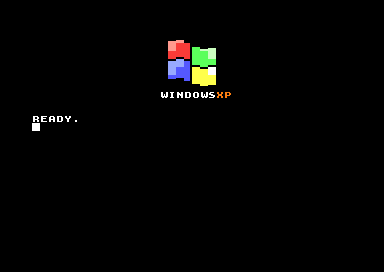
Yes, it's an abomination! Yes, that's why it's free. I just didn't feel right about charging for
this one! ;)
NOTE: this is an extended design (see FAQ)
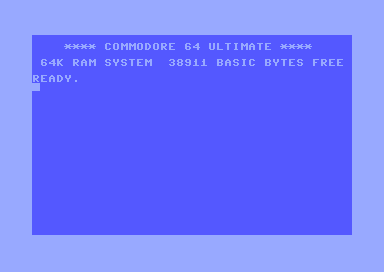
For those who don't like change, but want their C64 Ultimate to identify itself on boot up.
Upload an original C64 Kernal ROM file (8KB .bin or .rom) by clicking below (e.g. a
"kernal.901227-03.bin" file will do
the
trick... Google is your friend). You can even patch a JiffyDOS rom.
NOTE: Please confirm that your kernal file already works on your system before uploading!
waiting for patched file...
To complete the modern look, also replace your "chargen" ROM file with the excellent PXLfont file (it's free!). Download the .bin chargen/font file from here and use it to update your chargen ROM settings also (much the same as updating the kernal). See FAQ for more info.
Want to be notified when I release new designs? Leave your email below.